Caret

Recruitment for tech, data and AI, leadership, and tech sales.

Brand kit: logo, colour, type, components, photography, motion, social templates, and tokens.

Logo

A wordmark set in Bricolage Grotesque, and a single-letter mark for avatars and favicons.

Caret
Caret
Caret
C
C
C

Leave clear space the height of the first letter on every side.

Use it in Ink, Paper, or on Accent. Never in Support colours.

Never stretch, outline, rotate, or add shadows or effects.

Colour

5 colours with fixed jobs. The bar shows roughly how much of a layout each one should take.

Ink25% of a layout
Hex
#0b0b0b
RGB
11, 11, 11
Use
Text, headings, and dark grounds
Paper55% of a layout
Hex
#ffffff
RGB
255, 255, 255
Use
Backgrounds and text on dark
Accent12% of a layout
Hex
#ff4b1f
RGB
255, 75, 31
Use
Calls to action, highlights, one per view
Support 14% of a layout
Hex
#faf8f5
RGB
250, 248, 245
Use
Panels, rules, and secondary detail
Support 24% of a layout
Hex
#f2eee8
RGB
242, 238, 232
Use
Panels, rules, and secondary detail
19.7:1Ink on Paper. AAA
19.7:1Paper on Ink. AAA
5.9:1Accent on Ink. AA
5.9:1Ink on Accent. AA
3.3:1Accent on Paper. AA large text
3.3:1Paper on Accent. AA large text

Type

Bricolage Grotesque for display, Inter for reading. All free on Google Fonts.

Aa
StyleFontSize
DisplayBricolage Grotesque 60048 to 112px, tracking -0.030em
HeadingBricolage Grotesque 60036 to 72px
SubheadingInter 60022 to 28px
BodyInter 40017 to 19px, line height 1.55
SmallInter13 to 15px

One partner for the whole hire

Recruitment for tech, data and AI, leadership, and tech sales.

Components

The button and field as the website draws them. The arrow slides out and returns from the other side.

Book a call

Caret

A recruitment agency homepage in black and neon orange where a hiring-or-job-seeking toggle flips the whole site to a dark candidate mode, opening as a circle from the button.

Photography

Real, unposed photos, shown full colour or as a duotone on Accent. Keep crops tight and let one photo lead each layout.

Motion

How the website moves. Everything stops for people who ask their device to reduce motion.

ButtonsThe arrow slides out and returns from the other side.
PointerA lens follows the pointer and shows what is underneath.
HeroCaret field
ScrollSvg draw

Social templates

Five ready-sized templates. Download the image, or ask your agent to change the words in this file and export again.

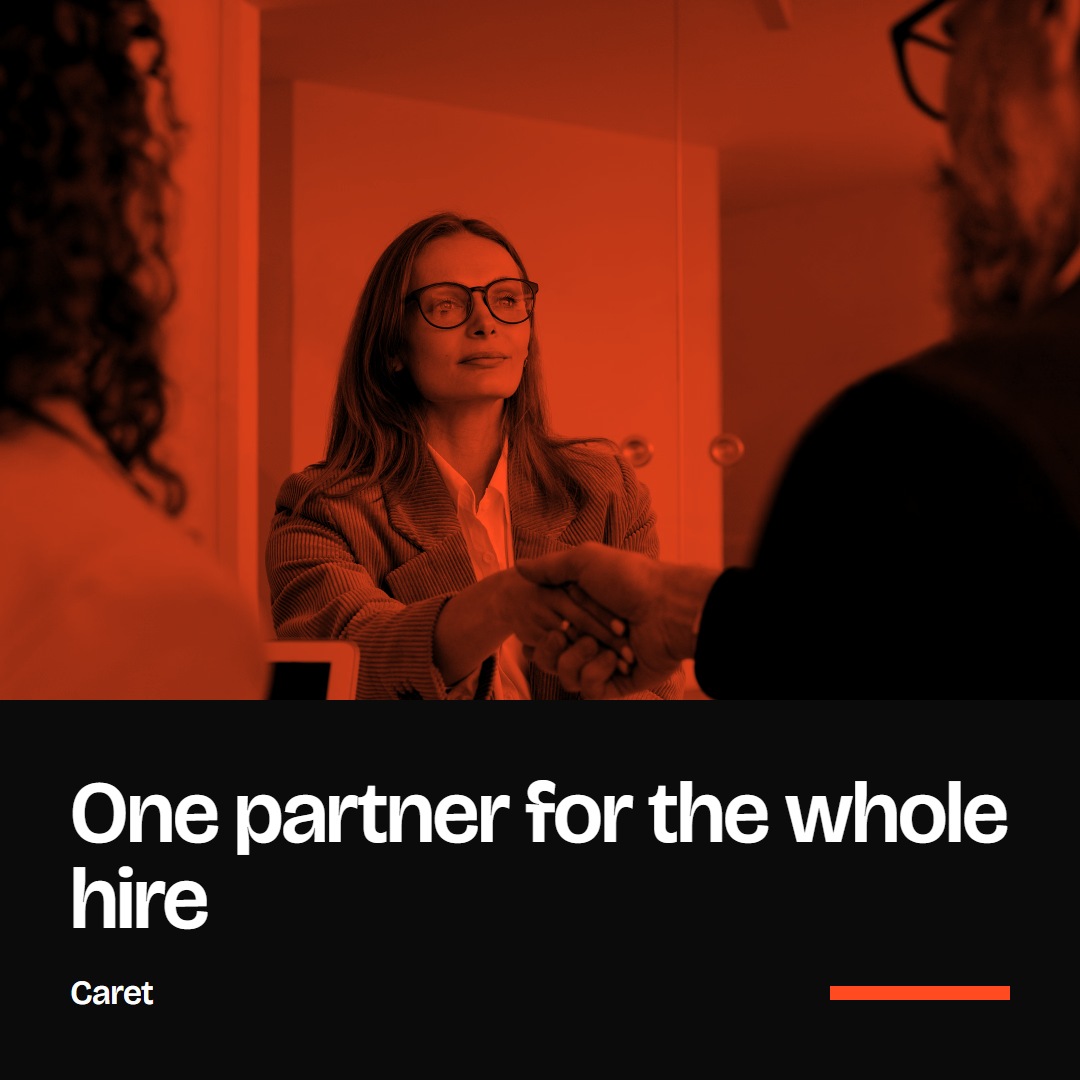
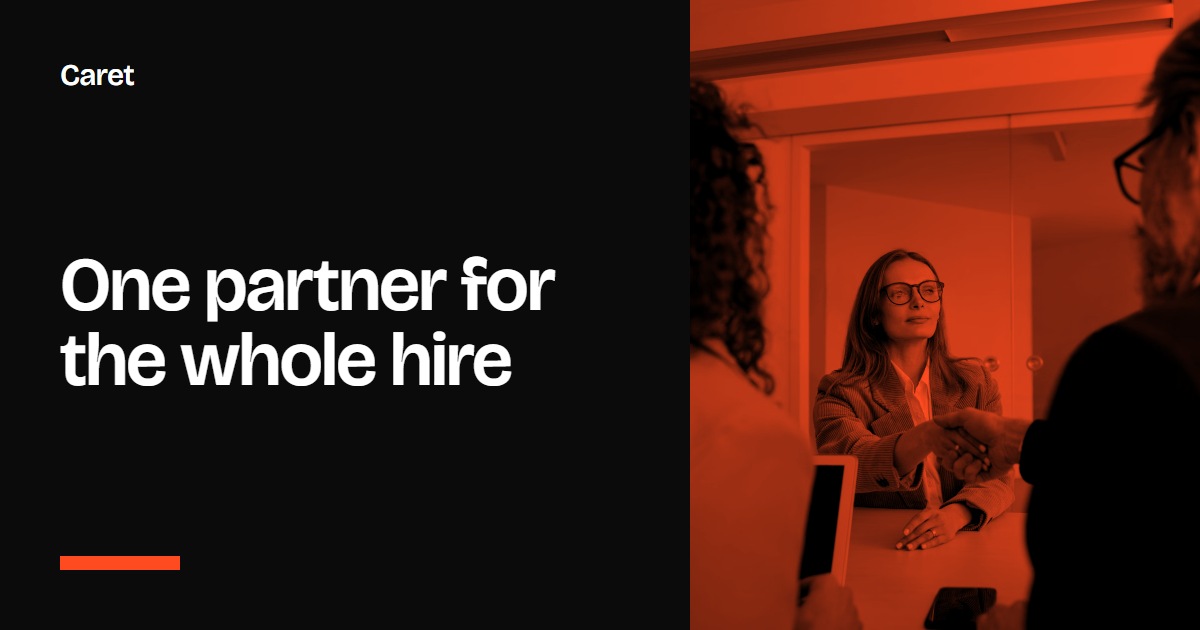
One partner for the whole hire

Caret
LinkedIn and Instagram post, 1080 x 1080Download
CCaret

One partner for the whole hire

Recruitment for tech, data and AI, leadership, and tech sales.

Portrait post, 1080 x 1350Download
Caret

One partner for the whole hire

Book a call
Story, 1080 x 1920Download
Link preview, 1200 x 630Download

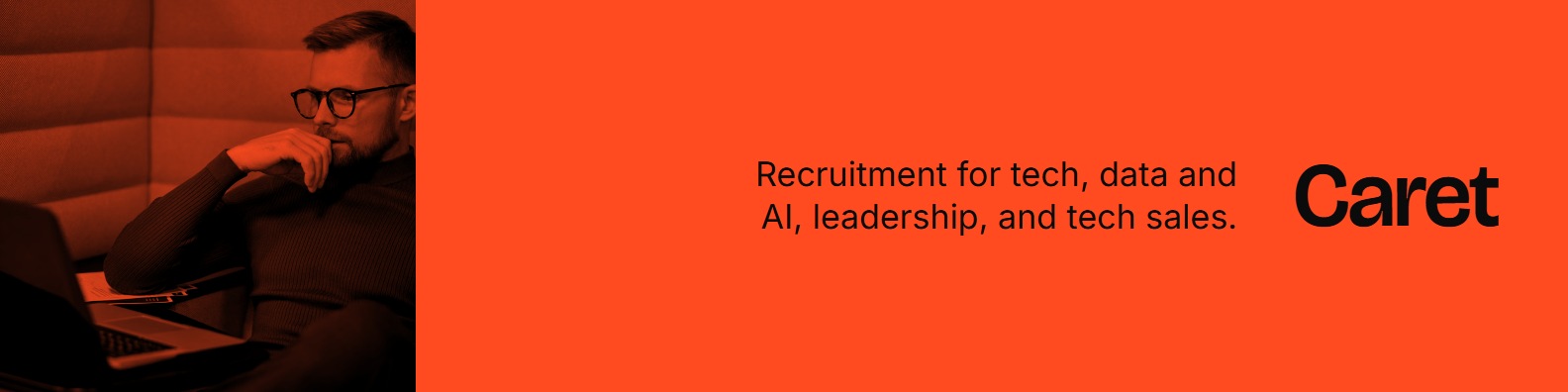
Recruitment for tech, data and AI, leadership, and tech sales.

Caret
LinkedIn banner, 1584 x 396Download

Design tokens

Paste these into your stylesheet or design tool.

:root {
  --color-ink: #0b0b0b;
  --color-paper: #ffffff;
  --color-accent: #ff4b1f;
  --color-support-1: #faf8f5;
  --color-support-2: #f2eee8;
  --font-display: 'Bricolage Grotesque', serif;
  --font-body: 'Inter', sans-serif;
  --display-weight: 600;
  --display-tracking: -0.030em;
  --text-display: clamp(3rem, 8vw, 7rem);
  --text-h2: clamp(2.25rem, 5vw, 4.5rem);
  --text-h3: 1.75rem;
  --text-body: 1.0625rem;
  --text-small: 0.875rem;
  --radius-button: 999px;
}
{
  "color": {
    "ink": {
      "value": "#0b0b0b",
      "role": "Text, headings, and dark grounds"
    },
    "paper": {
      "value": "#ffffff",
      "role": "Backgrounds and text on dark"
    },
    "accent": {
      "value": "#ff4b1f",
      "role": "Calls to action, highlights, one per view"
    },
    "support-1": {
      "value": "#faf8f5",
      "role": "Panels, rules, and secondary detail"
    },
    "support-2": {
      "value": "#f2eee8",
      "role": "Panels, rules, and secondary detail"
    }
  },
  "font": {
    "display": "Bricolage Grotesque",
    "body": "Inter"
  },
  "display": {
    "weight": "600",
    "tracking": "-0.030em",
    "style": "normal",
    "transform": "none"
  }
}